
LXQt on FreeBSD
LXQt is the Qt port of LXDE, the Lightweight Desktop Environment. It is the product of the merge between the LXDE-Qt and the Razor-qt projects.
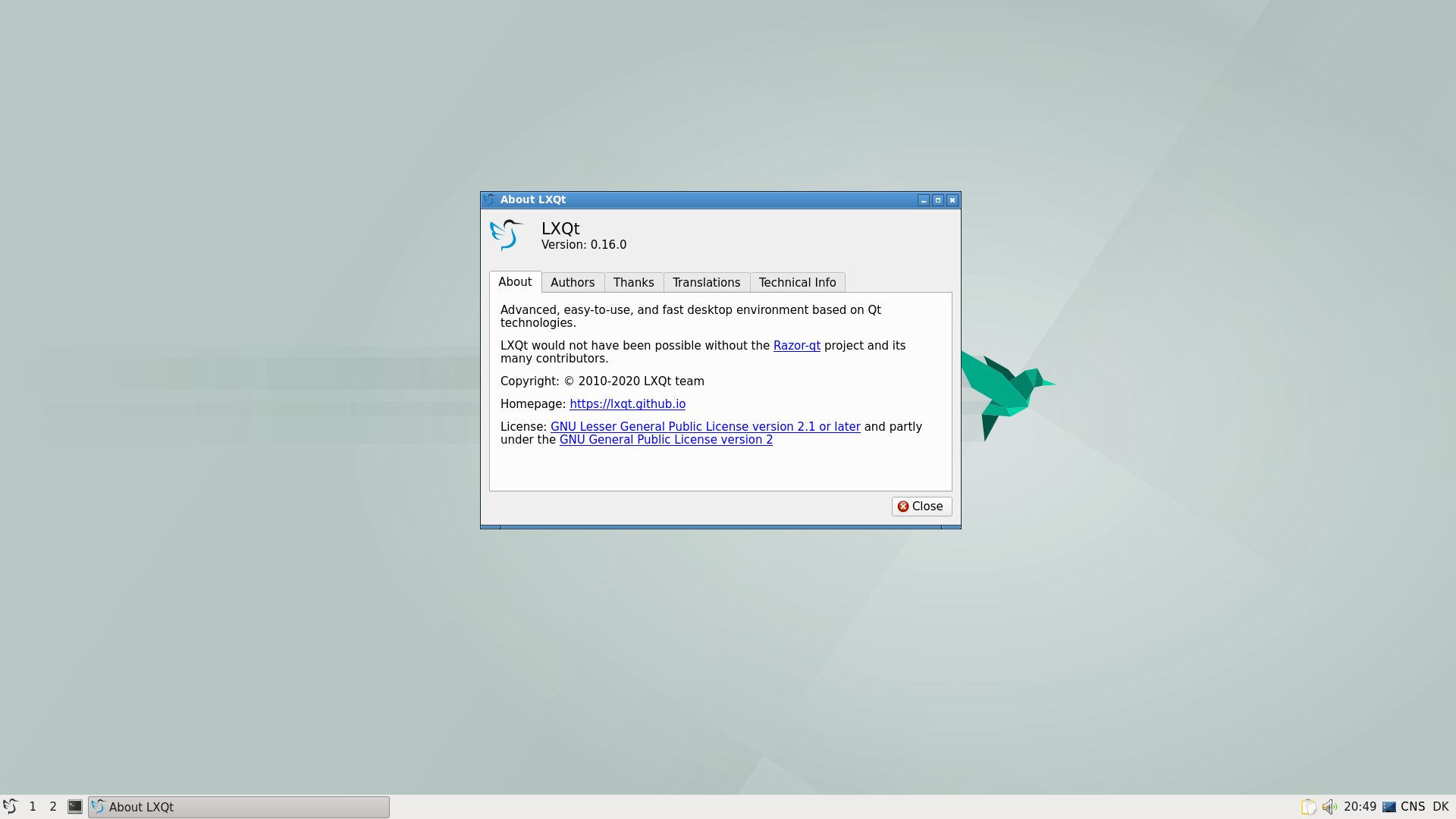
Install the LXQt (0.15.0) desktop
% pkg install lxqt
Install the LXQt (0.16.0) desktop
From LATEST pkg install lxqt
List of ports from
- audio/pavucontrol-qt
- deskutils/lxqt-notificationd
- devel/liblxqt
- devel/libqtxdg
- devel/lxqt-build-tools
- editors/featherpad
- graphics/lximage-qt
- security/lxqt-openssh-askpass
- security/lxqt-sudo
- sysutils/libsysstat
- sysutils/lxqt-admin
- sysutils/lxqt-config
- sysutils/lxqt-policykit
- sysutils/lxqt-qtplugin
- x11-fm/pcmanfm-qt
- x11-themes/lxqt-themes
- x11-toolkits/qtermwidget
- x11-wm/lxqt
- x11-wm/lxqt-panel
- x11-wm/lxqt-session
- x11-wm/obconf-qt
- x11/compton-conf
- x11/libfm-qt
- x11/lxqt-about
- x11/lxqt-globalkeys
- x11/lxqt-runner
- x11/qterminal
Known issues (and fixes)
It's advised to use UTF-8 as character encoding, especially for Western Europeans users (some translation are not well displayed in settings widgets).
Tips
PCManFM-qt is able to use UDisks2 service (for removable storages), install sysutils/bsdisks.
Starting the desktop
Using .xinitrc
% echo 'ck-launch-session /usr/local/bin/startlxqt' > ~/.xinitrc
Do not use ck-launch-session if you are using slim, slim uses consolekit on its own.
Jesper Schmitz Mouridsen (GitHub profile: jsm222) jsm@
- olivierd